1 / 3
Gamepad · Bluetooth
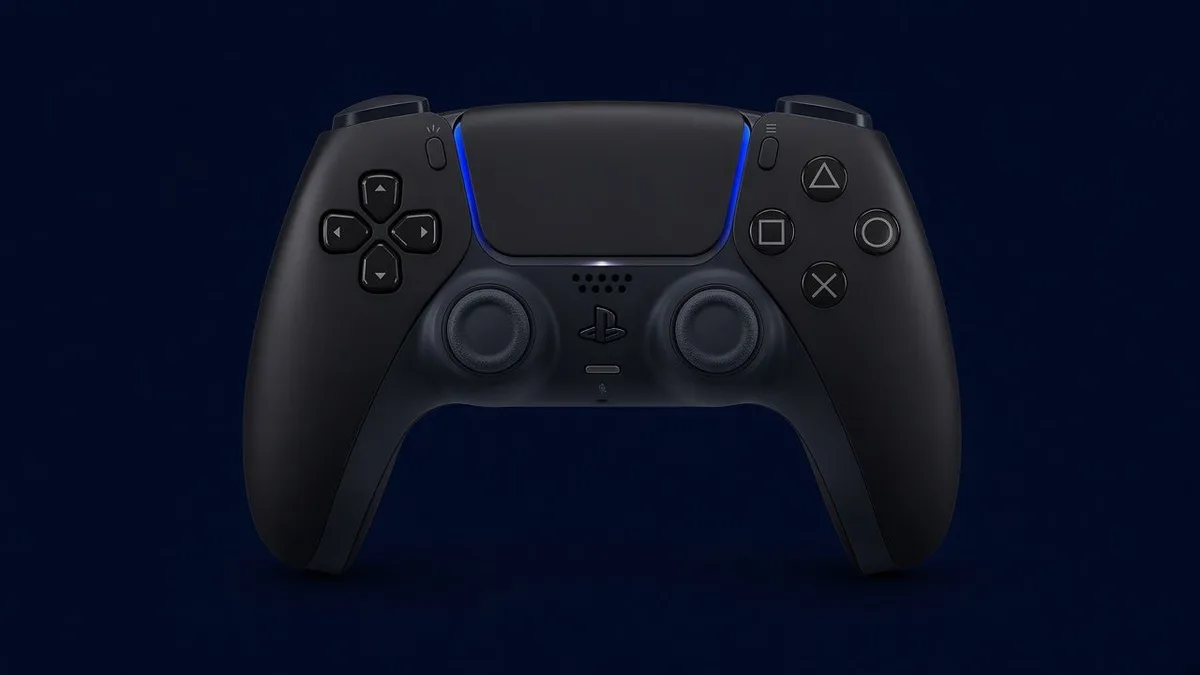
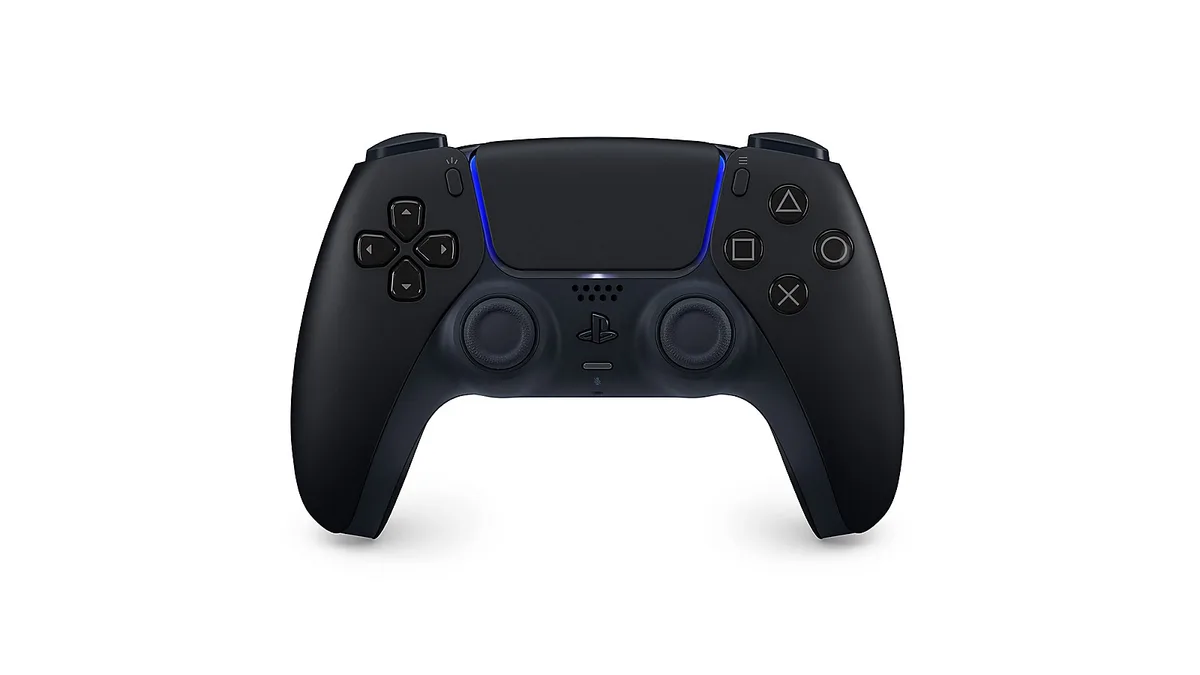
DualSense Wireless Controller
Official PlayStation 5 DualSense — Bluetooth pairs with iPhone and iPad (iOS 14.5+); not MFi-certified.
As an Amazon Associate we earn from qualifying purchases. Estimated prices are not live Amazon prices — confirm on Amazon at purchase time.
iPhone Compatible Midnight Black Est. $60–$80 4.7★ · 50K ratings
Overview
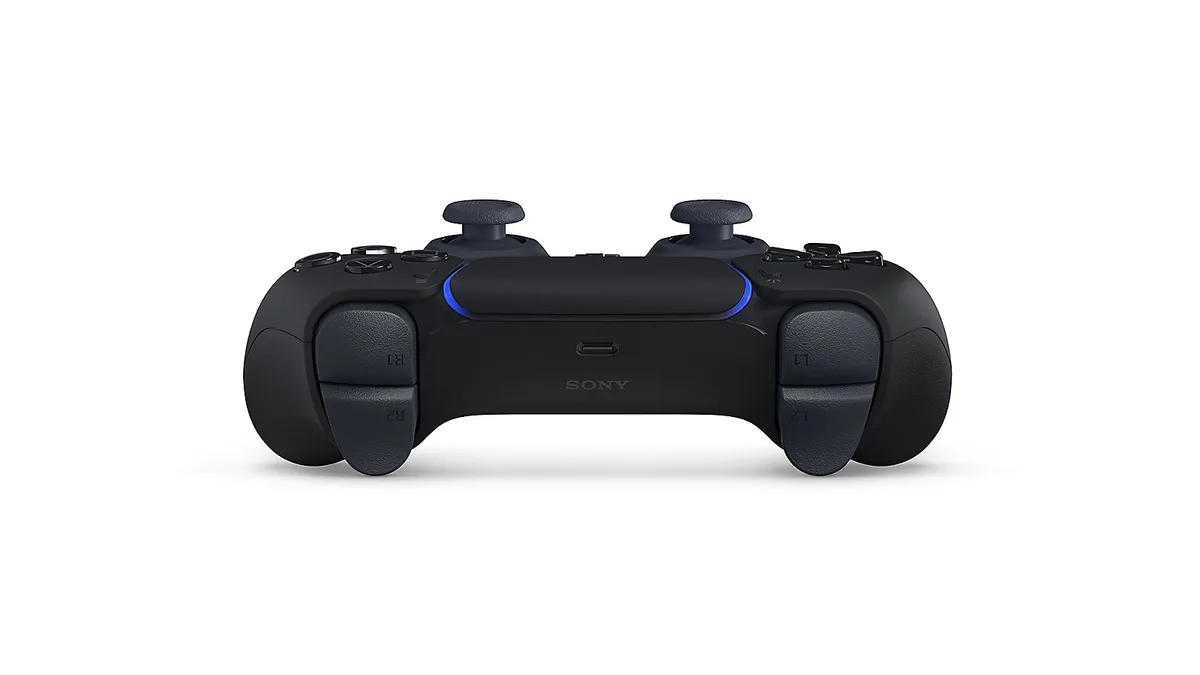
Sony’s DualSense Wireless Controller connects to iPhone and iPad over Bluetooth (iOS / iPadOS 14.5 or later). Apple lists DualSense as a supported PlayStation wireless controller; it is not Apple MFi-certified. Adaptive triggers and haptics work in games that support them. Use it with controller-supported App Store titles, Apple Arcade, PS Remote Play, Xbox Cloud Gaming, and other cloud services. USB-C charging, Create button, mute, and built-in mic are included.
Specs
- Brand
- PlayStation
- Model
- DualSense
- Connection
- Bluetooth
- Form factor
- Gamepad
- MFi status
- iPhone compatible (not MFi)
- Estimated price
- Est. $60–$80 Editorial estimate; Amazon price may differ
- Amazon rating
- 4.7★ · 50K ratings Customer rating snapshot; may change
Features
- Bluetooth pairing with iPhone and iPad
- Haptic feedback
- Adaptive triggers
- Create button + touchpad
- Built-in microphone and mute
- USB-C charging
How to connect
- Make sure the player indicator is off (hold the PS button if it is lit).
- Hold the Create button and the PS button until the light bar blinks.
- On iPhone or iPad, open Settings → Bluetooth and turn Bluetooth on.
- Tap DualSense Wireless Controller under Other Devices, then Pair.
- Open a controller-supported game, Apple Arcade title, or PS Remote Play / cloud gaming.
Compatibility
iPhone
- iPhone (iOS 14.5 and later)
iPad
- iPad (iPadOS 14.5 and later)
Cloud & remote play
- PS Remote Play
- Xbox Cloud Gaming
- GeForce NOW
- Apple Arcade