1 / 3
Gamepad · Bluetooth
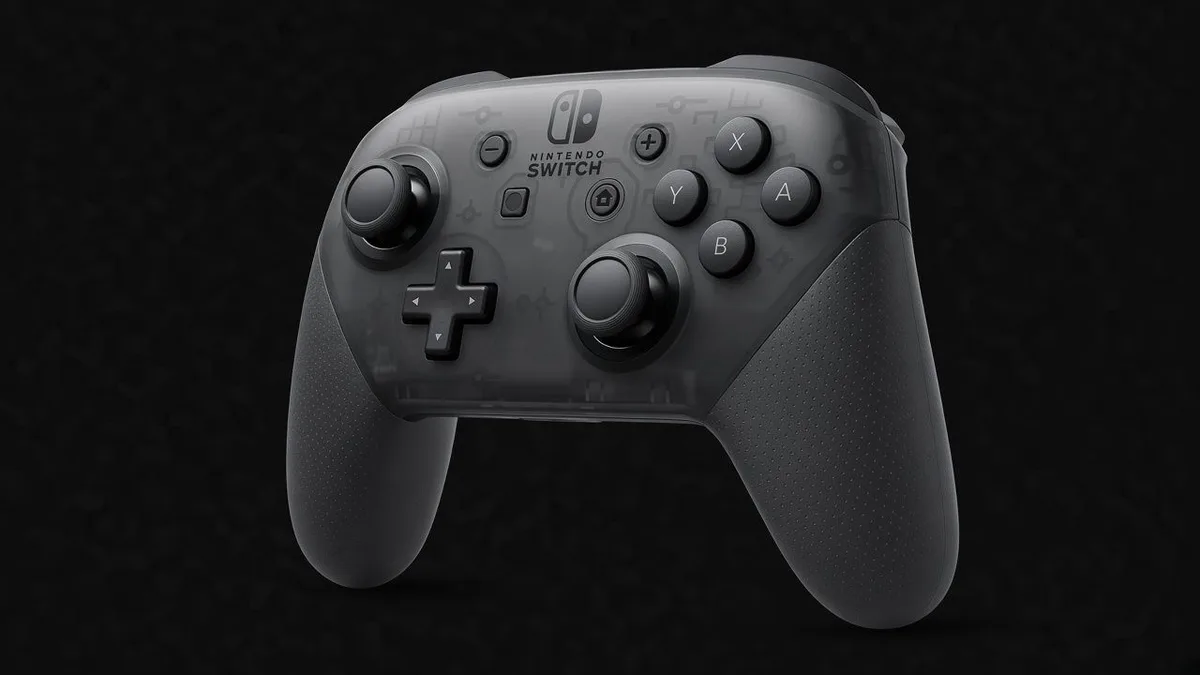
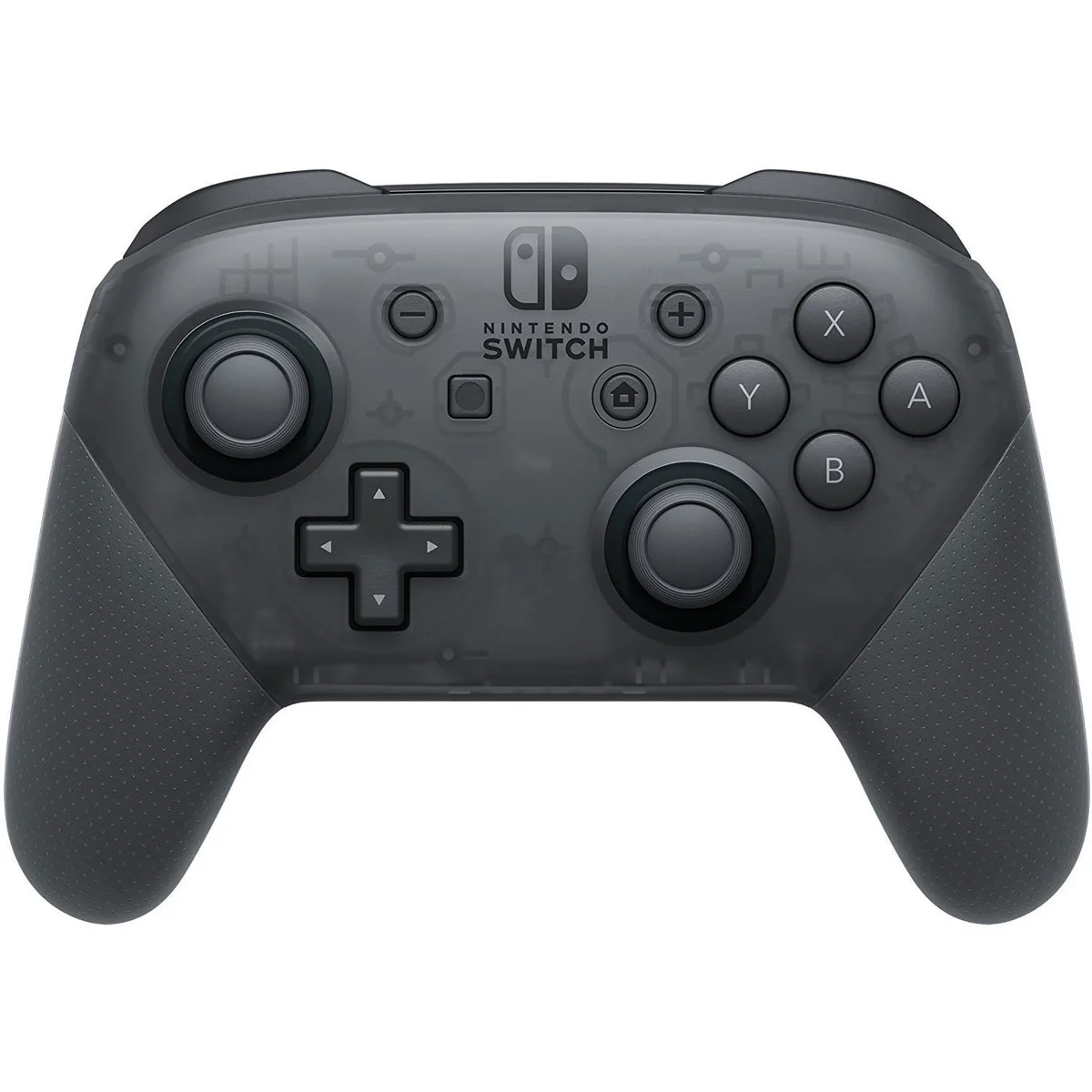
Nintendo Switch Pro Controller
Official Switch Pro gamepad — Bluetooth pairs with iPhone and iPad on iOS 16+ (not MFi).
As an Amazon Associate we earn from qualifying purchases. Estimated prices are not live Amazon prices — confirm on Amazon at purchase time.
iPhone Compatible Black Est. $60–$80 4.7★ · 74K ratings
Overview
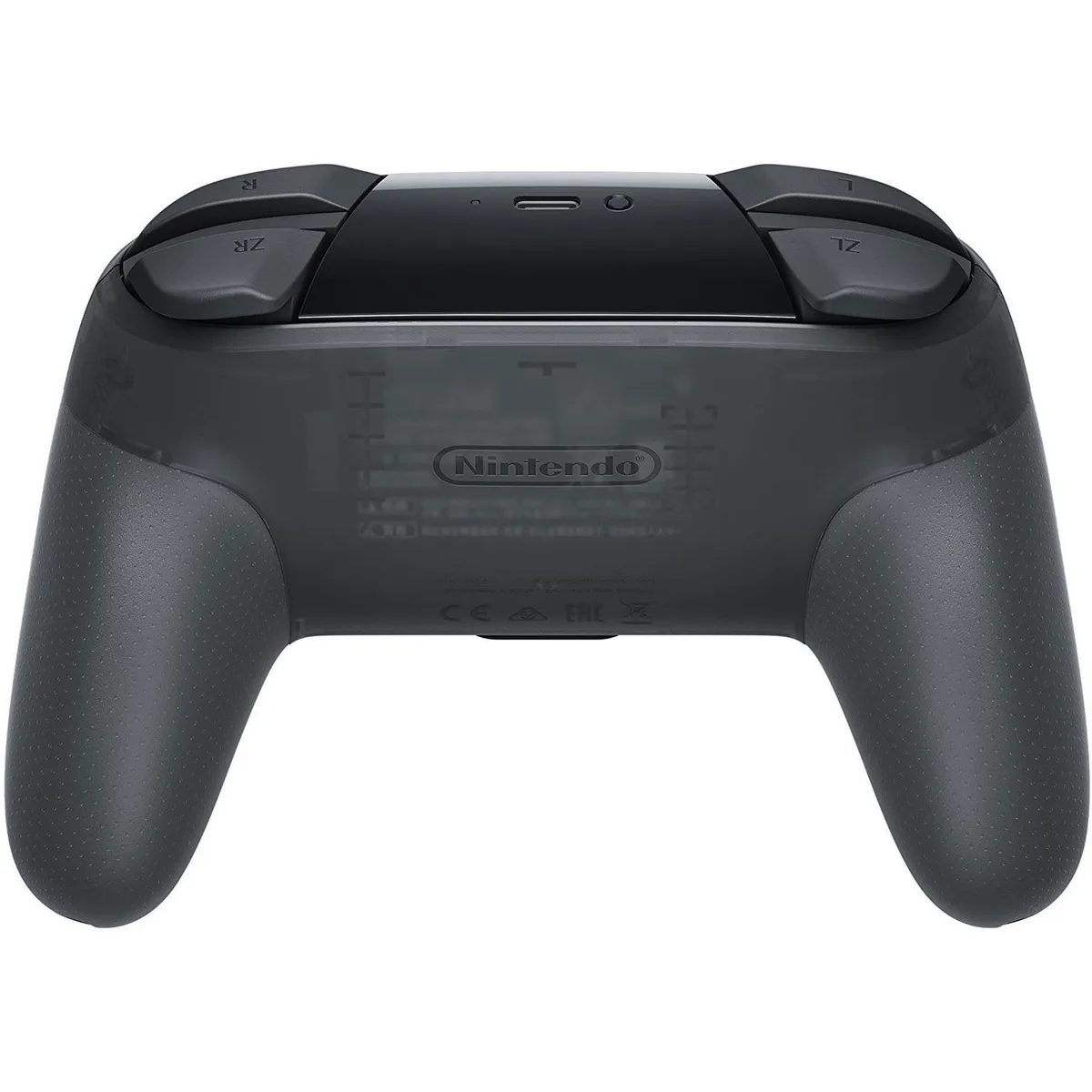
Nintendo’s Switch Pro Controller connects to iPhone and iPad over Bluetooth starting with iOS / iPadOS 16. Apple added native Nintendo controller support; the pad is not Apple MFi-certified. Expect HD rumble, motion controls, amiibo, and a long-life rechargeable battery with USB-C charging. Use it with controller-supported App Store games, Apple Arcade, and cloud/remote play. Disconnect from the Switch before pairing with iPhone — it cannot stay linked to both at once.
Specs
- Brand
- Nintendo
- Model
- Switch Pro Controller
- Connection
- Bluetooth
- Form factor
- Gamepad
- MFi status
- iPhone compatible (not MFi)
- Estimated price
- Est. $60–$80 Editorial estimate; Amazon price may differ
- Amazon rating
- 4.7★ · 74K ratings Customer rating snapshot; may change
Features
- Bluetooth pairing with iPhone and iPad (iOS 16+)
- HD rumble
- Motion controls
- Built-in amiibo reader
- ~40-hour rechargeable battery
- USB-C charging
How to connect
- Update iPhone or iPad to iOS / iPadOS 16 or later.
- Hold the SYNC button on the top edge (next to USB-C) until the player LEDs flash.
- On iPhone or iPad, open Settings → Bluetooth and turn Bluetooth on.
- Tap Nintendo Switch Pro Controller under Other Devices to pair.
- Open a controller-supported game or Apple Arcade title (disconnect from Switch first if needed).
Compatibility
iPhone
- iPhone (iOS 16 and later)
iPad
- iPad (iPadOS 16 and later)
Cloud & remote play
- Apple Arcade
- Xbox Cloud Gaming
- GeForce NOW